
Oregon's Official Fugitive Notices
Oregon does not publish one official page holding every warrant in the state. The closest statewide route is the Oregon DOC Most Wanted page. It lists people the department describes as escapees or as having failed to appear. Check the live page yourself. Its entries shift. Its apprehension count changes over time.
Sheriff notices and federal USMS notices are entirely separate documents. They rest on different custody systems, different cases, and different legal grounds. Carry the issuing agency, the notice date, and the case context with anything you save. No single source here works as a statewide register. Leave photos where the official office posted them. A court file may later tell a different story than the notice did, and the OJD case search is neither a jail roster nor a full warrant feed.
Oregon Wanted-List Sources
The table sorts official sources by agency and scope. Fields and photos differ, so open each live notice for its date and tip directions.
| Official source | Who it covers | Photo and scope | Where to check |
|---|---|---|---|
| Oregon DOC Most Wanted | DOC escapees and people DOC describes as having failed to appear | The agency notice may include an identifying photo. This is not every Oregon warrant. | Oregon DOC Most Wanted |
| County sheriff notices | People named by the issuing county agency, including warrant, probation, or escape matters | Contents and photo use vary by sheriff. Keep the county and notice date attached. | The County Directory, then the sheriff's official page |
| U.S. Marshals Service Most Wanted | Federal fugitive cases handled through USMS | Any booking photograph remains subject to USMS policy and the federal case context. | USMS Most Wanted Fugitives and the District of Oregon |
DOC, county, and federal lists stand apart. None is a complete arrest feed or a statewide warrant register.
Use an Oregon Wanted List
Begin with the official list matching the agency and case type. DOC, a sheriff, and USMS each keep their own scope. Note the source name, so a later custody or court record is never confused with the notice itself.
- Choose the official DOC, county sheriff, or federal source that fits the notice.
- Read the agency, date, case context, and safety instructions shown.
- Confirm current status with the issuing agency because a copied page can be old.
- Send information through that agency's tip route. Call 911 for an immediate threat.
A DOC escapee or failure-to-appear entry skips plenty of warrants. County and federal sources may not repeat the same person, so confirm status with the issuing agency.
County Sheriff Notices Stay Local
A wanted notice belongs to the sheriff's office that posted it. The basis could be a warrant, a probation hold, an escape case, or another law-enforcement reason. Keep booking rosters and wanted pages separate. One lists people in custody, while the other names people being sought. A custody search, in other words, tells you nothing about an open warrant.
The Oregon County Directory links to each county's official channel. Write down the agency name and the notice date before you act. If the page leaves the current status unclear, call the sheriff or the court. No statewide page gathers every county warrant, so a search that returns nothing settles little. Notices can vanish once a person is found, so confirm before you rely on any old page.
How to Send an Oregon Tip
Address your tip to the agency named on the notice. The Oregon DOC Most Wanted page posts a hotline. It also posts an email. DOC's instruction is blunt: call 911 and never attempt an apprehension. County and federal notices may list different contacts. Use only the method the issuing agency names.
- Open the official notice and read its safety and contact instructions.
- Call 911 for an immediate threat. Use the listed tip route for other information.
- Share what you know and where it came from. Do not follow or confront the person.
- Report an outdated notice to the agency instead of reposting it as current.
Oregon DOC Fugitive Tips
Hotline: 877-831-0389
Email: fugitive@doc.oregon.gov
Immediate danger: call 911. DOC says not to attempt an apprehension.
Route DOC notices through DOC's own contact information, and send county or federal tips to the agency behind that notice.
What Oregon Wanted Notices Show
A notice is one agency's request for public help. Look for the issuing office, the date, any warrant or case context, and the tip directions given. Fields vary across agencies. Verify details on the original source rather than assuming every office publishes the same information.
| Notice detail | How to read it |
|---|---|
| Agency and jurisdiction | Identify whether DOC, a county sheriff, or USMS issued the notice. That tells you which agency's case it concerns. |
| Name and image | Compare the source entry and other identifying details. A name or face alone may not establish identity. |
| Warrant or case context | Use the case or warrant details shown to find the correct court or agency record. |
| Notice date and status | Check whether the source gives an issue or update date, then confirm that the notice remains active. |
| Tip instructions | Use the contact method on that official page. Emergency and nonemergency routes differ. |
On the DOC page, the listed category carries weight. DOC describes escapees and people who failed to appear. That category is not a new county booking. It also skips a person's full court history. A sheriff may cite another basis, so read the agency's wording exactly as written, then check the court file for later changes when one exists.
Check a Specific Oregon Warrant
A wanted page will not tell you whether a warrant is active. OJD points to Oregon eCourt. It points as well to the court-record processes there. The public search may require a login or skip restricted cases. It surfaces public case events, not every warrant. A blank result could mean a limited search, a sealed case, or a different custodian.
- Use the Oregon Judicial Department's case-search guidance to choose a public record route.
- Search by name and compare the court, county, case number, and charge. A name alone can match the wrong person.
- Read the case events, but do not assume a docket entry confirms current warrant status.
- Ask the issuing court or agency to confirm status and instructions. A lawyer can explain next steps for a person's own case.
The Oregon eCourt portal is a search entry point, not a person or a result.
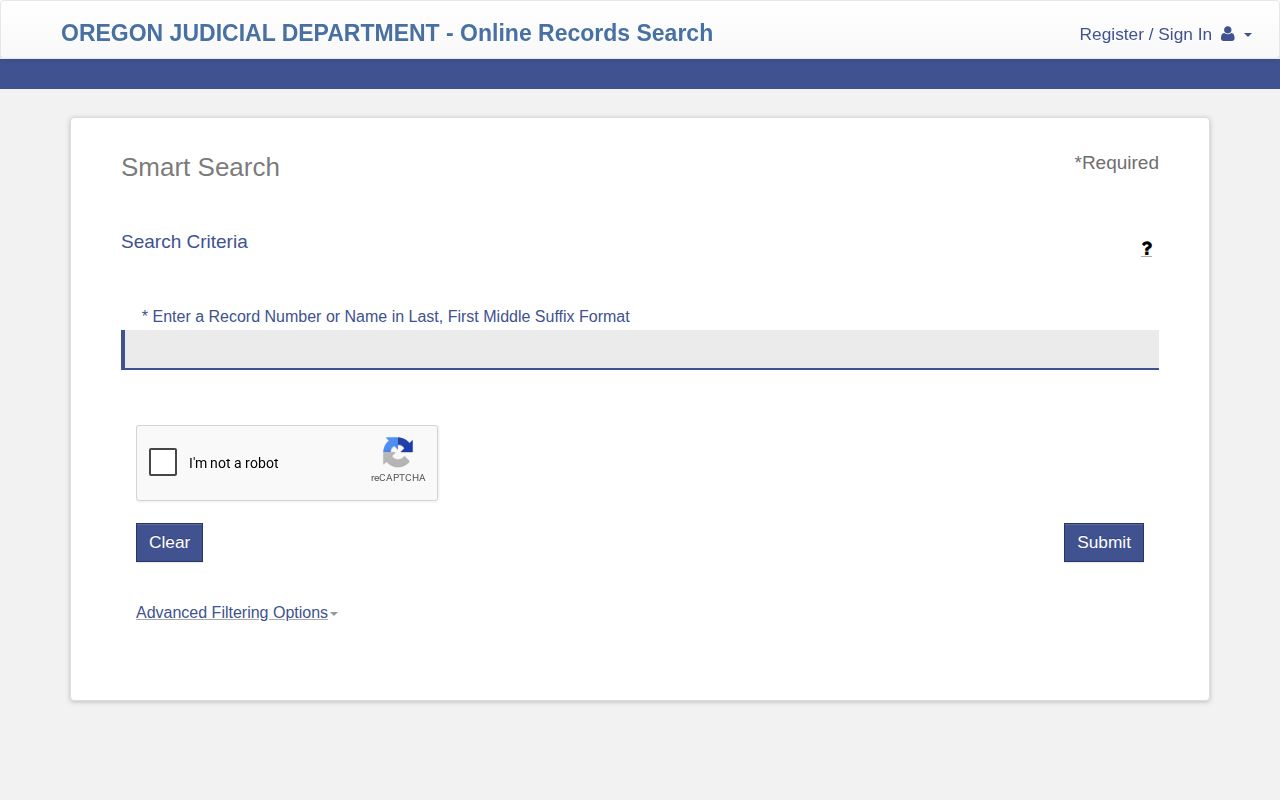
Use the form to locate a case, then confirm current status with the responsible office. OJD case-record guidance explains how to find a court file and where access stops.
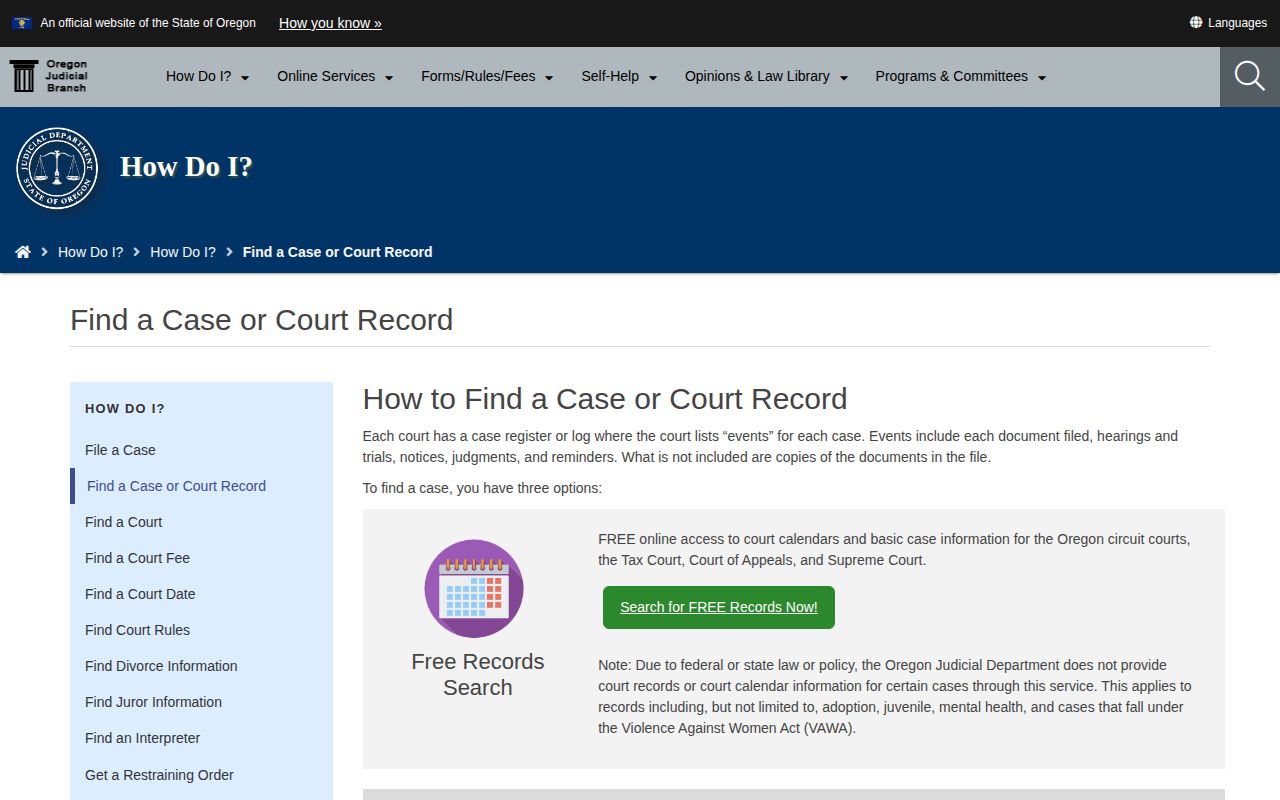
Restricted matters still require the court's own process.
| Warrant type or notice | Official route | What to confirm |
|---|---|---|
| Arrest warrant | The issuing court's record and the agency responsible for service | Current status and the court's instructions. Oregon's arrest-warrant law describes the order's basic contents. |
| Bench warrant | The court handling the criminal case | Whether the order remains active and what the court requires. See ORS Chapter 137 for the failure-to-appear process. |
| DOC escape or failure-to-appear notice | Oregon DOC Most Wanted | The current notice and DOC's tip or safety instructions. This is not all Oregon warrants. |
| Federal fugitive notice | USMS Most Wanted or the named federal agency | Federal case status and the current tip instructions. |
Note: A court search can help locate a case, while only the issuing court or law-enforcement agency can confirm current warrant status.
Oregon's Safety-First Fugitive Channel
Oregon DOC Most Wanted works as a safety channel, not a ranking of recent bookings. It pairs escape and failure-to-appear notices with a hotline and email. DOC says to call 911 and never attempt an apprehension. Its count of people apprehended since 2012 moves over time. USMS and county sheriff notices stay separate from it. Keep each source's agency, date, and case context. Follow its safety directions. Remember that a historic booking does not prove someone is still wanted.
Oregon DOC Status Is Separate
Oregon's Department of Corrections runs its own Offender Search, and it answers a narrow question. The tool covers people in DOC custody or under local community corrections. County jail rosters sit elsewhere. Charge history is a different search altogether. A profile may include an inmate photo. The help page makes no promise that every result carries one. Active fugitive notices appear on DOC's Most Wanted page instead. The Oregon Offender Search help spells out these scope limits in plain terms.
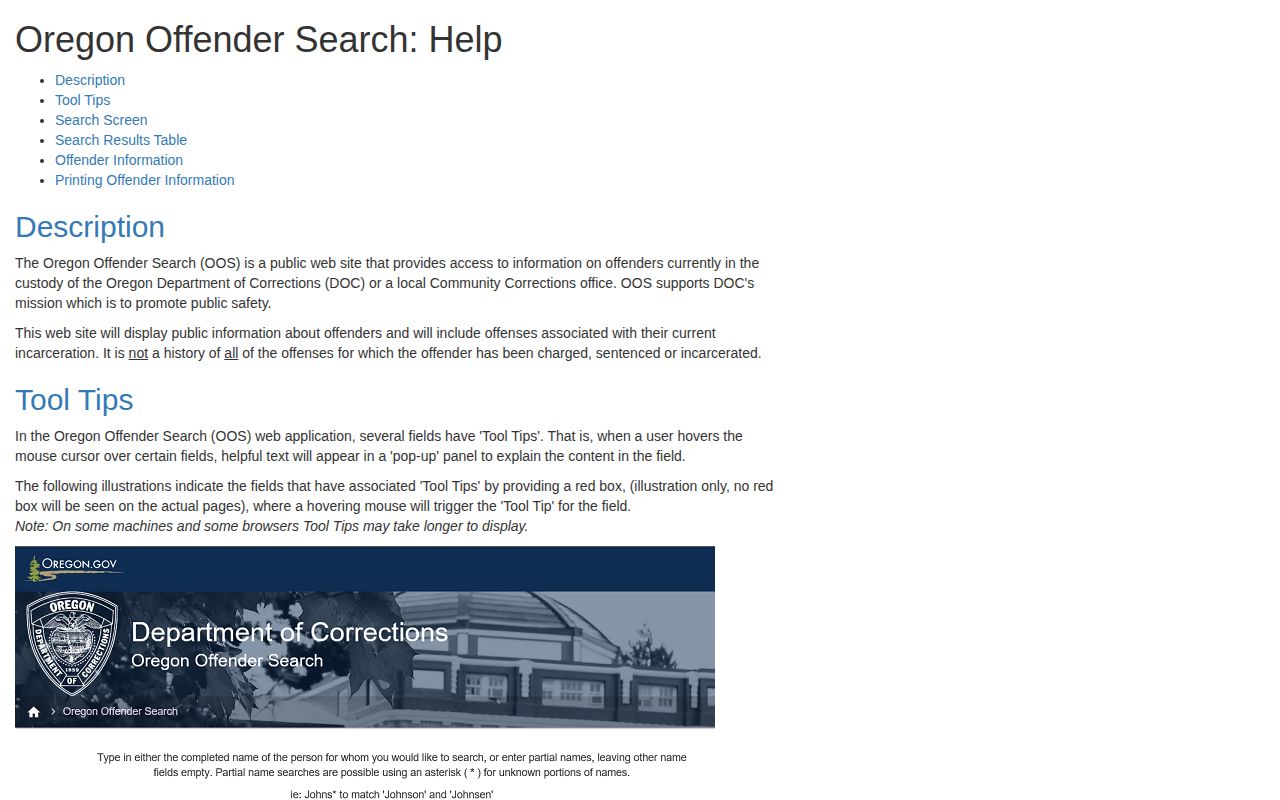
Match the tool to the question. State custody means the DOC profile, recent arrests mean the county jail route, and case outcomes mean the court records.
Oregon Custody Alerts Are Different
VISOR is Oregon's victim-information and custody-notification service, built for a particular purpose. It lets users locate a person in custody and sign up for alerts. For DOC-sentenced people and release notices, DOC points users to VISOR or Offender Search. It is not a mugshot roster. It is not a warrant search either. The VISOR landing screen displays its search and notification tools rather than any personal record. It serves a different need from a wanted notice.
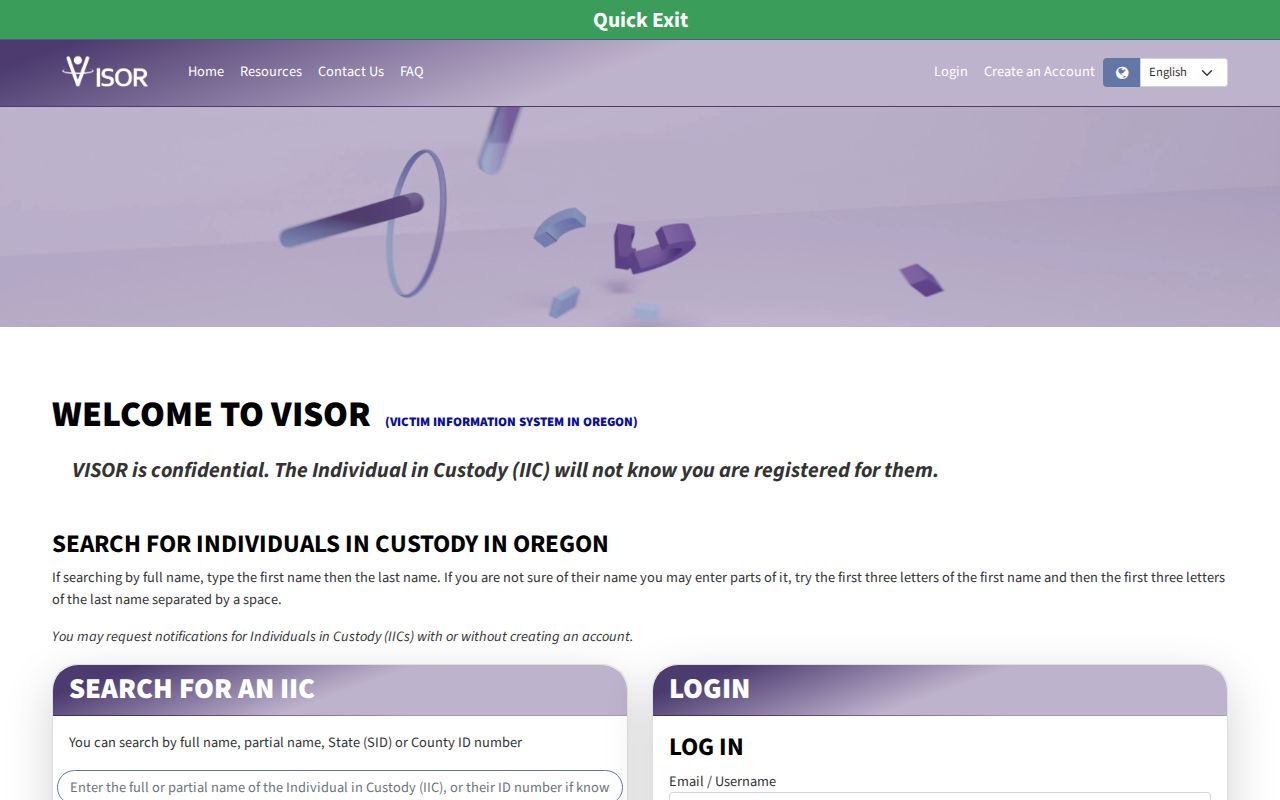
DOC's victim-services FAQ lays out the custody and release-alert routes. An alert tracks status inside the system and nothing more.
Note: VISOR serves custody lookup and notification needs; it should not be described as a booking-photo page or as a warrant registry.
Federal Wanted Records Stay Separate
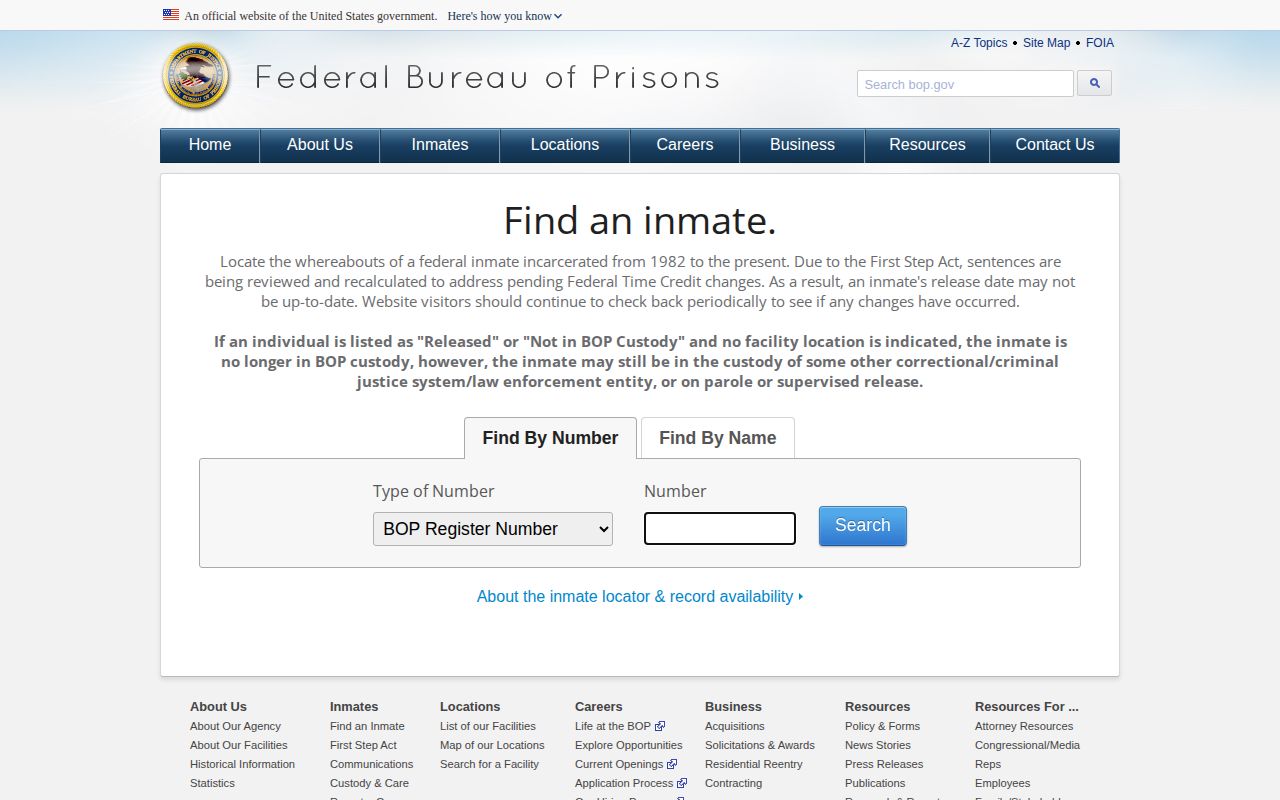
Federal fugitive work belongs to the U.S. Marshals Service. Its Most Wanted listings and the District of Oregon page handle that territory. Booking photos follow the agency's own disclosure policy. A federal notice has no bearing on a county case. The BOP locator answers a separate question about federal prison custody. It offers no public mugshot field, and it stands apart from both USMS notices and Oregon county booking rosters. An empty result there simply means the search came back empty.
For a tip or any photo-record question, start with the USMS notice, its booking-photo policy, or its FOIA route.
Note: The BOP locator identifies federal prison custody; it is not a source for county bookings, Oregon DOC notices, or every federal fugitive case.
Check Oregon Court Outcomes
A wanted notice, an arrest record, and a court disposition each answer a different question. Each marks a different stage of a matter. Court files can shift over time. They may show reduced charges, dismissals, acquittals, or other outcomes. An empty search means no result appeared. That does not mean no record exists. Juvenile, sealed, and confidential matters often stay out of public view. Compare the court, county, case number, and charge rather than trusting a name alone. The Oregon statewide records hub maps the separate county, court, and custody routes.
Note: A missing public court result can reflect access limits or a restricted case, so it should not be reported as proof of a particular outcome.