
DOC Mugshots and Oregon Custody Profiles
DOC stands for the Oregon Department of Corrections. Its public tool is the Oregon Offender Search (OOS). It covers two groups: people in state custody and people under local community corrections. That scope is useful. Still, OOS is not a full accounting of every Oregon arrest, charge, or sentence. It does not cover every past incarceration either. It reflects one corrections layer, not the whole system.
A profile can change as a person moves through custody or supervision. When a search returns a hit, the photo field may or may not be filled. The agency promises no image on every record. A name match alone proves little either. Similar names come back, and details run thin on some profiles. Check the SID, court name, location, age, aliases, and status before calling it a match. A missing result does not mean Oregon holds no record. It may just mean the person falls outside current OOS scope.
The official DOC Offender Search landing page names the agency route. It links to both the public search and official-record requests.
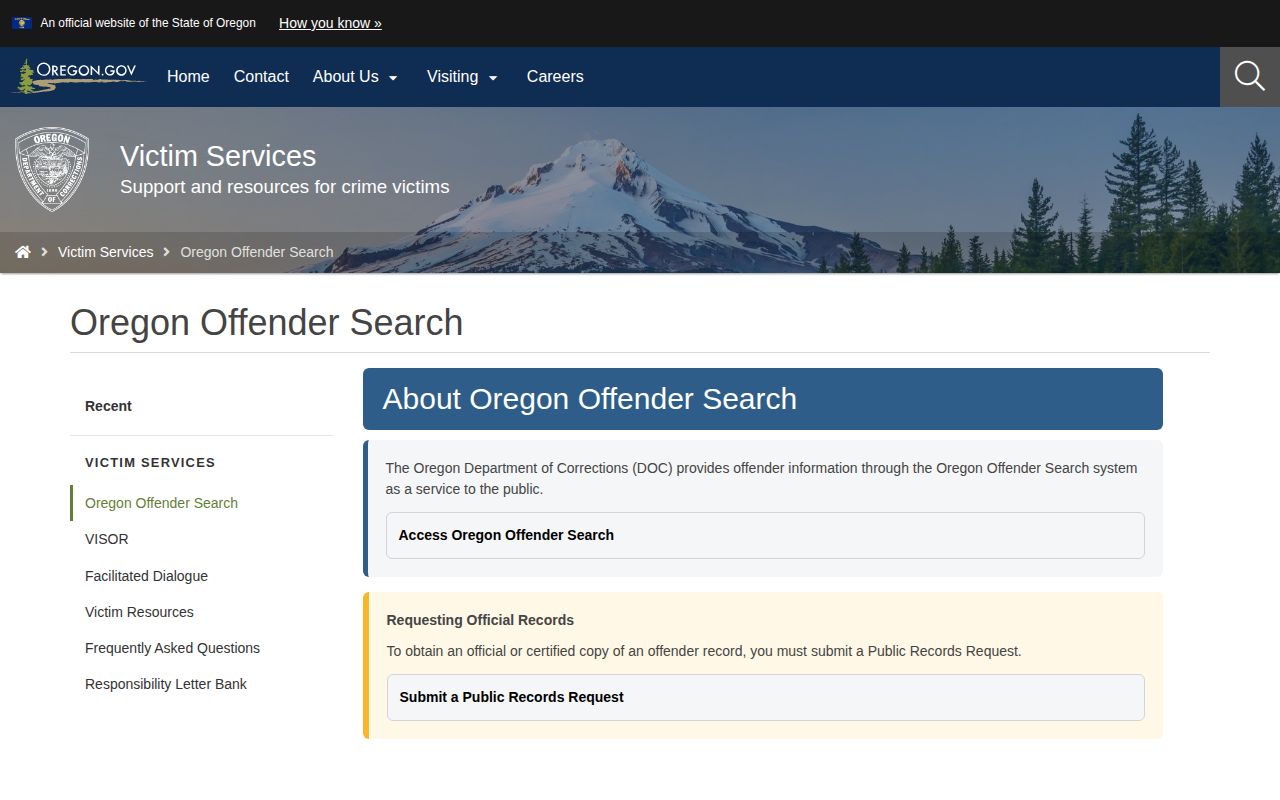
Start at the landing page to reach OOS or to request an official record. The search screen is a convenience tool; certified copies come through the separate request process.
Search Oregon DOC Offender Records
Open the official Oregon Offender Search form from the DOC landing page. Type a first, middle, or last name, or a SID number. Names can be partial. The help page describes the asterisk as a wildcard for unknown name portions. It does not work with a SID. Combining fields narrows the results. These options help with spelling and name variations. But a broad result list is never a solid identity check.
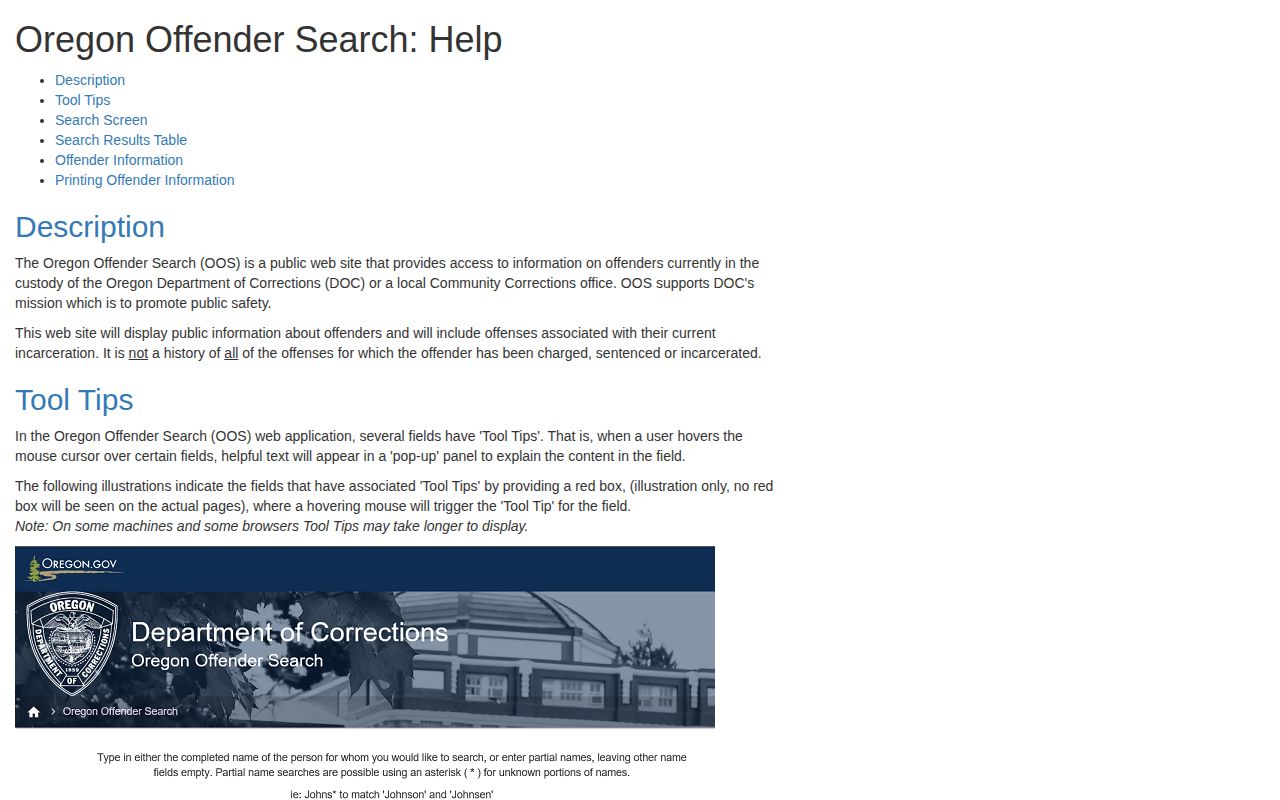
The OOS help page walks you from results to a profile. Sort and page the results, then select the SID to open the detail view. Search narrowly. After that, compare the returned details against what a court or custody source already shows.
- Start with a known SID when one is available. Otherwise enter the person’s name in the matching fields and use an asterisk only where part of a name is unknown.
- Review each result row. Compare more than the name, including the listed location, status, age or birth month and year, and court name when shown.
- Select the SID for the record that best fits. Read the Names and Offenses tabs, and note the profile’s most recent data update.
- Check whether the profile includes an Inmate Photo field. Treat it as an image within the DOC profile, not as a new county arrest or proof that a charge led to conviction.
- Use the Print option only for the information it provides. DOC says it prints the Names and Offenses information; it is not a certified copy of the full corrections file.
The official search form shows the name and SID fields before any result opens.
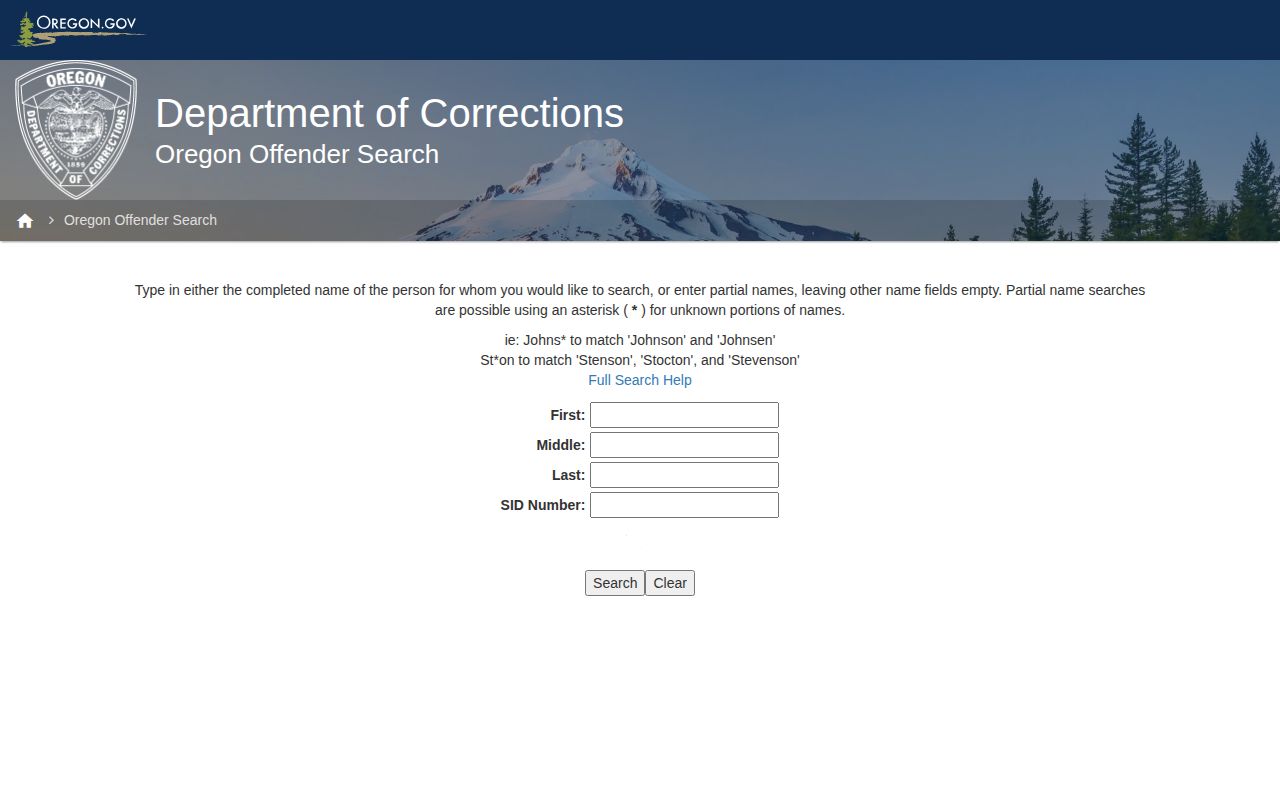
Start with a narrow query. Then check the profile details. A name-only match is never the end of the search.
Fields in an Oregon DOC Profile
OOS offers a limited public view. It is not a full criminal-history report. Labels and values vary from profile to profile. The help material describes information tied to current incarceration, plus tabs and print options, and it warns that the system does not list every charged offense, sentence, or incarceration. Expect the documented fields below, keeping in mind that some records show fewer items.
| Field or view | What it can tell you |
|---|---|
| SID | The DOC identifier used to open a matching profile and distinguish people with similar names. |
| Name and Names tab | The profile name and any aliases shown in the Names tab. Compare them with other official details. |
| Age information | The public profile may show a birth month and year rather than a complete birth date. |
| Location or institution | The listed DOC location, institution, or local community corrections status within the search’s current scope. |
| Descriptors and status | Identification details and a status label when those fields are present. |
| Inmate Photo | A profile image when DOC supplies one in that record. The public search does not guarantee a photo for every result. |
| Offenses and court name | Offense information and a court name where listed. This is not a complete account of every case or its final result. |
| Most recent data update | The date displayed for the profile’s information. It is not a separate photo-refresh date. |
Treat a profile as a DOC snapshot. It can help you find the right corrections record. The court file remains the better place to confirm how a charge ended. OOS itself cautions that content can change. It is not an official or certified record.
The help page's profile guidance covers tabs, result sorting, and the SID link. It offers no guarantee that every field appears on every record.
Use the displayed fields to check identity and scope. For proof of a court outcome or a certified DOC record, go through the court or the records-request route.
Why a DOC Mugshot May Be Missing
The DOC public search gives each profile an Inmate Photo field. Not every result carries a picture. Photos are optional in that view. A blank field means only that the public profile shows no image. It says nothing more. DOC may still hold an identification image. The person may have a valid record. And the search itself may not return everything the agency keeps.
There is a second reason. The search covers people currently in DOC custody or local community corrections. Scope, not history, drives the results. Someone who finished a sentence or left supervision may not appear the way a current profile does. The official OOS introduction also notes that data updates periodically and can change, so a profile you saw weeks ago may look different now.
When a photo seems wrong or disputed, go through the DOC records route. Name the exact record at issue, such as an identification photo or face sheet. The search page is not the whole file. Precision helps the request move faster. DOC might release a redacted version, ask for clarification, estimate a fee, or withhold material under a security rule or applicable law.
A DOC photo serves one purpose: identification. Labels can change later in court. Check the court record before calling a case a conviction.
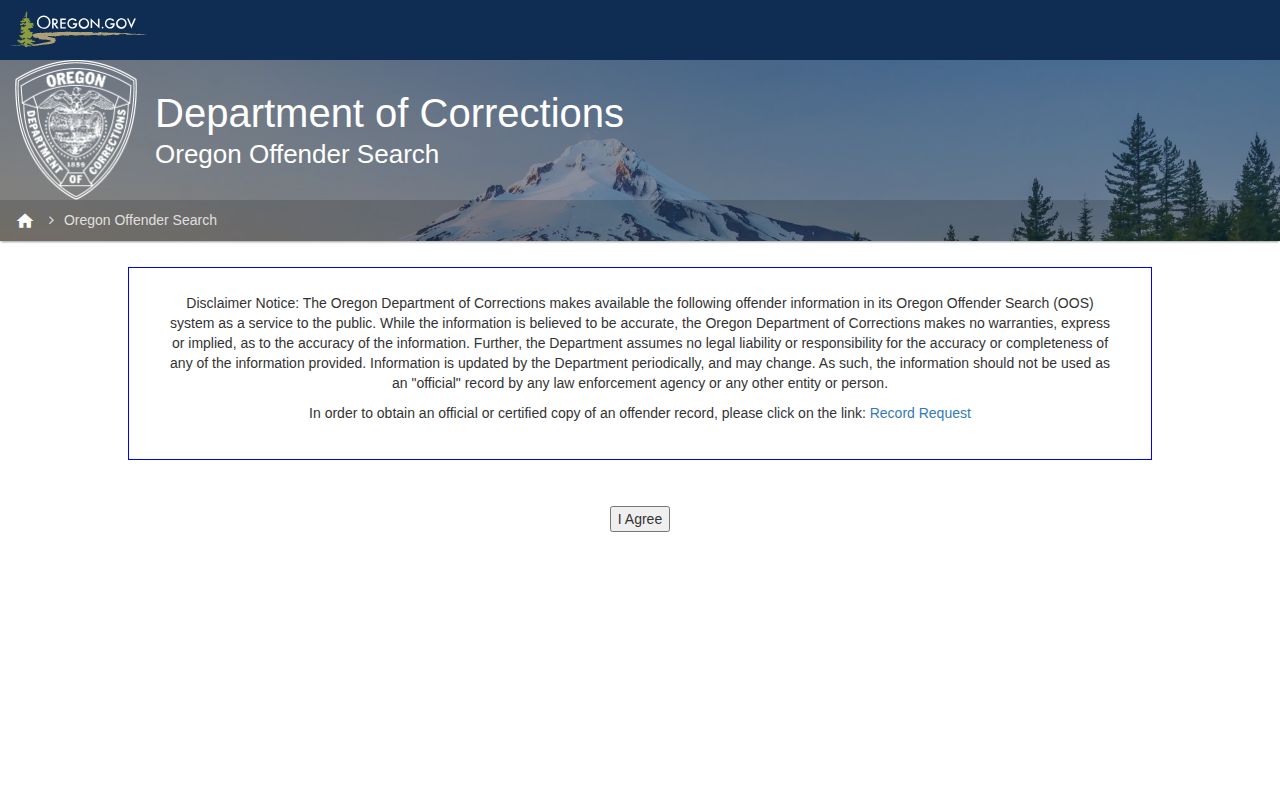
The OOS introduction states plainly that information can change. DOC also notes there that the system is not a certified or official record.
Profiles often show a data-update date. DOC publishes no fixed schedule for refreshing offender photos.
DOC Photo Updates and Former Offenders
DOC says its information updates periodically and may change. That is the only schedule on record. The agency publishes no photo-specific refresh policy and no fixed interval for swapping profile images. No photo clock exists. Calling a visible picture the "latest mugshot" overstates what DOC claims. If the page shows a most-recent-update date, read it as covering the profile as a whole. It does not date the photograph itself.
People released from DOC custody may drop out of the public OOS scope. Scope explains it. DOC makes no promise that former offenders stay searchable. Photos can vanish after discharge. A person may be absent, appear under a different status, or need a public-records request for a releasable historical document. The honest description is "not found in the current OOS scope." That wording leaves room for records held elsewhere.
A photo that looks stale or mismatched deserves a report, not a swap. Save the profile details. Then contact DOC through its correction or public-records route. A missing picture never justifies substituting a county arrest image or a third-party copy. The custodian matters here. DOC controls its corrections files, while a county sheriff, police agency, or regional jail controls its own booking materials. Stick with the source.
Note: A DOC profile’s update date refers to the displayed data, not a published photo-refresh promise.
DOC Mugshots vs County Booking Photos
People use "mugshot" for two different pictures. A county booking photo gets made during law-enforcement intake. Oregon rules govern its release. A DOC profile image, by contrast, belongs to the state corrections record and may appear in OOS when supplied. Different custodians answer each search. For the release rule and its exceptions, read the statewide Mugshot Access Laws page.
| Record layer | What it covers | Where to look |
|---|---|---|
| County booking record | Arrest intake, booking data, and any releasable booking photo held by the local agency or jail. | Use the County Directory to reach the county’s official roster, feed, or records office. |
| DOC offender profile | People within DOC’s current custody or local community corrections search scope; a profile may show an Inmate Photo. | Search the official Oregon Offender Search and verify the SID, status, court, and update date. |
| Court case | Case filings and later outcomes such as a plea, dismissal, conviction, or sentence. | Use Oregon Judicial Department case-record guidance and the relevant court’s copy process. |
A county booking can end in release before DOC ever lists the person. The two systems are separate. Someone in DOC custody may still have an older booking record held at the county level. The DOC profile is not a copy. Likewise, an OOS offense label is not a court docket.
Need the court outcome? Start with the Oregon Judicial Department's case-record guidance. The state portal points to public case information and court copy routes. Juvenile, sealed, confidential, and otherwise restricted cases stay out of ordinary public results.
The public court interface may require a login. Or it may show limited detail. A blank result means little on its own. Describe it as "not found in that public search," nothing stronger. No search there proves a case never existed. And a DOC profile never sums up every charge and sentence either.
DOC Requests and Pen Packs
Certified copies come straight from the source. Send a written request through the DOC Public Records Center, the portal the agency built to replace its old email process. DOC wants a full name for the requester, plus a mailing address or contact email. It also wants a clear description of the record or the person involved. A tight, specific request lets staff pull the right file fast. Then they can decide whether to release it in full, in part, or not at all.
Naming the offender matters most. Include a date range. Add the SID if you have it. Also give the facility or supervising unit. Say which items you want. That could be a booking photo, a face sheet, a court order, a sentence document, a discharge record, or another named paper. A blanket demand for everything slows things down. One well-chosen document usually answers the question.
There is also the Pen Pack route. It bundles public-information prints, first and last face sheets, a photo, court or sentence orders and judgments, and discharge, parole, or revocation material when it applies. Requests go in online or by first-class mail, and you can flag that you need certification. One caution applies. A Pen Pack is only a request option. It does not promise every item exists, and it may not include a current profile image.
- Choose the Public Records Center or DOC’s first-class-mail route.
- Give the required requester name and mailing address or email.
- Describe the person, relevant dates, SID, and specific record type as clearly as possible.
- State whether a certified response is needed, or ask about a Pen Pack if its listed contents fit.
- Review DOC’s estimate and payment instructions before responsive work proceeds; keep the agency’s response and any legal basis for redactions or withholding.
Prefer paper mail? The DOC Public Records page gives the destination: Oregon Department of Corrections, ATTN Public Records Request, 3723 Fairview Industrial Drive SE, Suite 200, Salem, Oregon 97310. The agency may bill for clerical, managerial, and professional time. Copies, media, postage, and outside costs count too. You get an estimate and a payment step before the work begins. No flat fee is posted. No fixed turnaround time is listed either.
Some material comes back redacted or denied. The legal grounds include Oregon public-records law, ORS Chapter 192, ORS 133.870, privacy rules, security concerns, or other authority the agency cites. When a photo is withheld or a field is blank, read the agency's explanation for the reason. An unreturned search result is not a full history either. County booking materials live elsewhere. Use the County Directory. It reaches the agency that made the arrest or holds the intake record.
For the Pen Pack option, the request route, and the cost types, DOC's official public-records page spells it all out.
Check DOC's current instructions before you mail anything. Addresses and procedures are agency details that can change, so confirm them on the linked page.